Is the img upscaler safe? Know what to check first

Is the img upscaler safe? That depends on the service receiving your picture and what the picture contains. An image upscaler can change how an image looks, but visual quality alone tells you nothing about upload privacy or image rights.

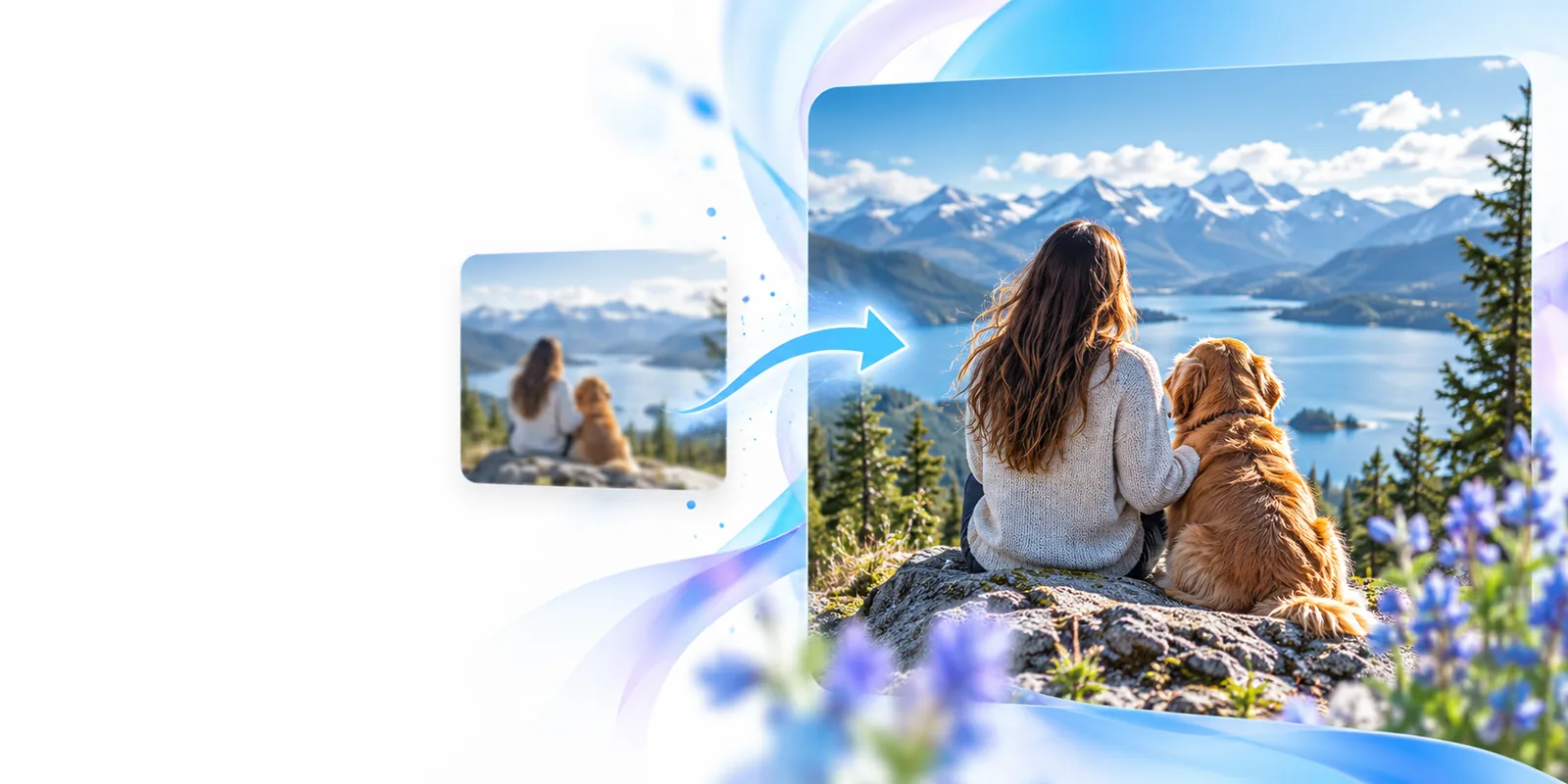
Imageupscaler landing-page artwork

3 misconceptions about image upscaler safety

An image upscaler addresses appearance, not every risk associated with a file. These three assumptions are worth checking before an upload.

A sharper photo is automatically more accurate

An image upscaler may create plausible-looking detail where the source has none. Fine print, faces, and small objects can look convincing without matching the original scene.

Workaround

Keep the source file and compare important details side by side; use the original as the record of what was captured.

A familiar-looking site guarantees a private upload

A browser padlock protects a connection, but it does not explain retention, human review, model training, or who can access stored images.

Workaround

Read the destination’s current privacy terms and avoid uploading a file if its handling is unclear.

Editing removes copyright or consent obligations

Enlarging an image does not give you the right to submit, publish, or redistribute a picture you do not control.

Workaround

Use images you own or have permission to process, and obtain consent before handling another person’s private photo.

What an image upscaler actually is

An image upscaler produces a larger-looking version of an image. It is not a privacy audit, a source authenticator, or a license check. Before using one, work through this checklist:

You must have

Without every one of these the route does not run.

  • Confirm that you have the right to upload and process the image.

    Ownership, a suitable license, or permission matters even if the result stays private.

  • Check the receiving service’s current image-handling and retention terms.

    Do not infer those terms from Imageupscaler’s page or from another provider’s policy.

  • Remove location metadata or identifying details you do not intend to share.

    Cropping a visible detail and removing embedded metadata are separate checks.

  • Keep an untouched copy of the source image.

    You will need it to check whether an enlarged result changed meaningful details.

Nice to have

Skip any of these and the route still works — they only make it faster.

  • Test with a non-sensitive sample before considering a personal image.

    A sample can reveal whether the output suits your purpose, but cannot prove how files are handled.

Boundary conditions: choose by image risk

There is no universal safe-or-unsafe verdict for every image and every destination. Match the workflow to the consequences of an unwanted upload or an inaccurate result.

Choose this when

The image is public, yours to use, and not relied on as evidence.

Consider an online image upscaler after checking its current terms.

The privacy stakes may be lower, but you still need to inspect the output for invented detail.

Choose this when

The image contains a recognizable person, an address, or work material.

Get permission where needed and review retention and access rules before uploading.

Sharpening cannot reverse disclosure of information sent to a service.

Choose this when

The original must remain an exact record.

Preserve the original and use a controlled, documented editing workflow instead.

An image upscaler can change the appearance of details that another person might mistake for facts.

When NOT to use an image upscaler

Do not treat an enhanced picture as proof of what a camera, scanner, or document originally recorded.

Softer illustrative image of a white fox Softer illustration
Sharper illustrative image of a white fox Sharper illustration
This illustrative pair shows a visual difference, not a verified result from the linked destination. Avoid upscaling confidential records, medical images, identification documents, or evidentiary photos through a service whose handling you have not approved. Never use newly visible-looking details to make a high-stakes decision without checking an authoritative source.

Check the destination, then decide

Imageupscaler can point you toward image tools, but the linked service sets its own upload and privacy terms. Review those terms before submitting anything sensitive, and keep your original file so you can judge the result against it.

Explore image tools
  • Use an image you have permission to process.
  • Inspect the destination’s current privacy terms.
  • Compare any result with the untouched original.

FAQ: is an image upscaler safe?

No image upscaler is automatically safe for every file. Safety depends on what you upload, your permission to use it, the receiving service’s current data practices, and whether an altered result could mislead someone.

Treat a personal photo as a disclosure to the service receiving it. Check its retention and access terms, remove unnecessary identifying information, and do not upload the photo if you cannot accept those conditions.

It can make details appear clearer, but that does not prove those details existed in the source. For text, faces, or evidence, compare against the original and do not present generated-looking detail as recovered fact.

No. Enlarging a picture does not change who owns it or what its license allows. Get the necessary permission before uploading or distributing someone else’s work.

Read the destination’s own privacy and upload terms, because they govern the service you reach. Start with a non-sensitive image if you want to assess output quality, and keep the original for comparison.

Start creating
Start creating