Image basics
What does an image upscaler do? A practical explanation
What does an image upscaler do? It makes an image larger in pixel dimensions and estimates what should fill the new pixel positions. The result may look clearer, but it cannot reliably recover detail that was never captured.
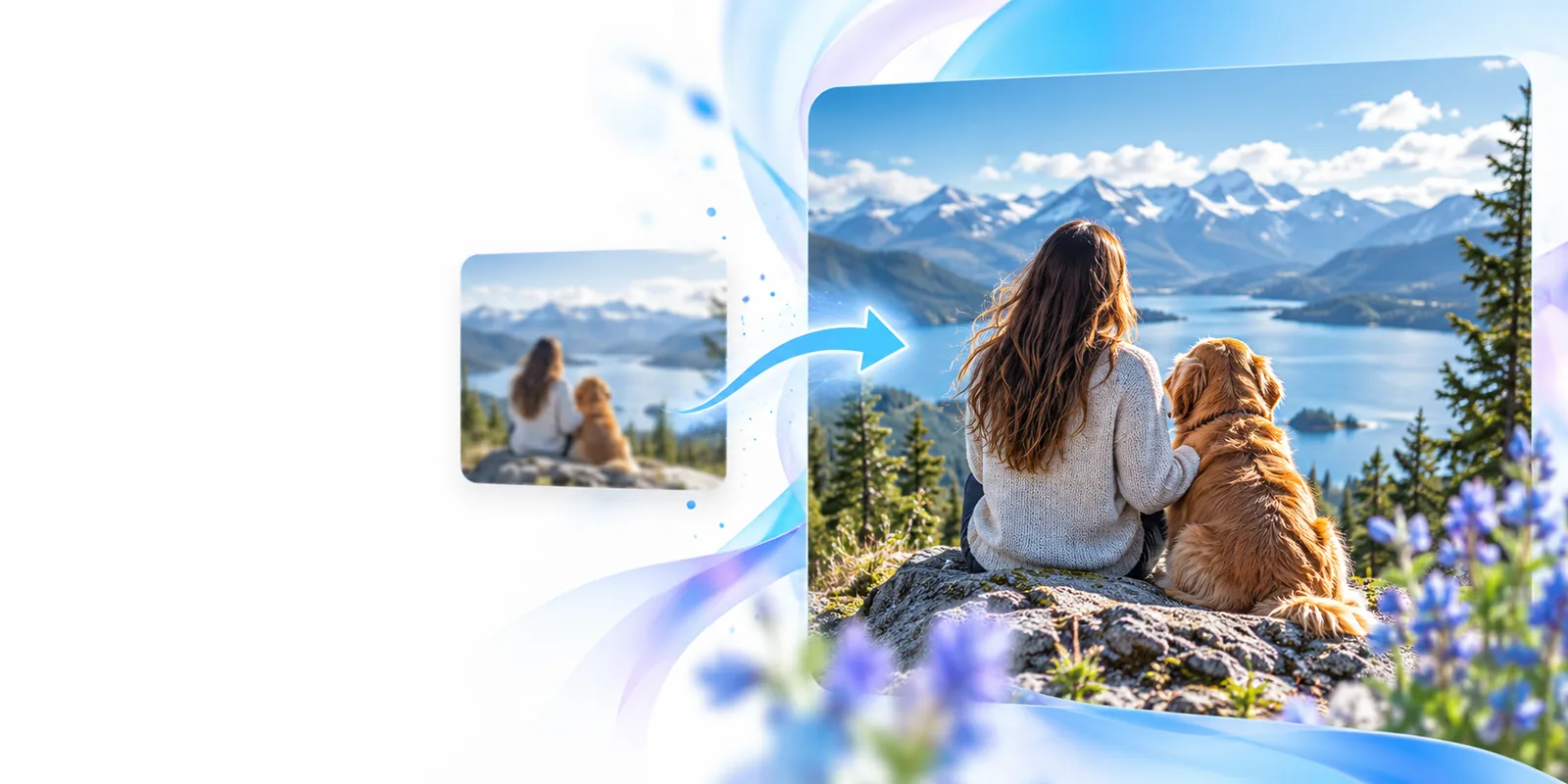
One-line definition
4 min read
An image upscaler enlarges a digital image by adding estimated pixels; the quality depends on the source and the method used.
How it works
The process starts with the original pixel grid and ends with a larger one. What happens between those grids determines how the result looks.
-
1
Read the source
The image upscaler examines the existing pixels, including boundaries, color transitions and any visible compression or blur. Those source pixels are its evidence; a small, damaged image gives it less dependable information.
-
2
Create a larger grid
Increasing both width and height by 2× produces four times as many pixel positions. The new positions need values, whether the method is conventional interpolation or an AI model.
-
3
Estimate and inspect
Interpolation blends neighboring pixels. AI-based upscaling may infer edges or textures from learned patterns. Inspect the output at its intended display size, then check faces, lettering and fine lines closely.
Explore related image questions
The basic definition is a starting point. These guides address particular methods and output goals.
What it can and cannot do
An image upscaler can increase dimensions and sometimes improve perceived sharpness. It cannot turn an uncertain guess into a verified record of the scene.
 Softer appearance
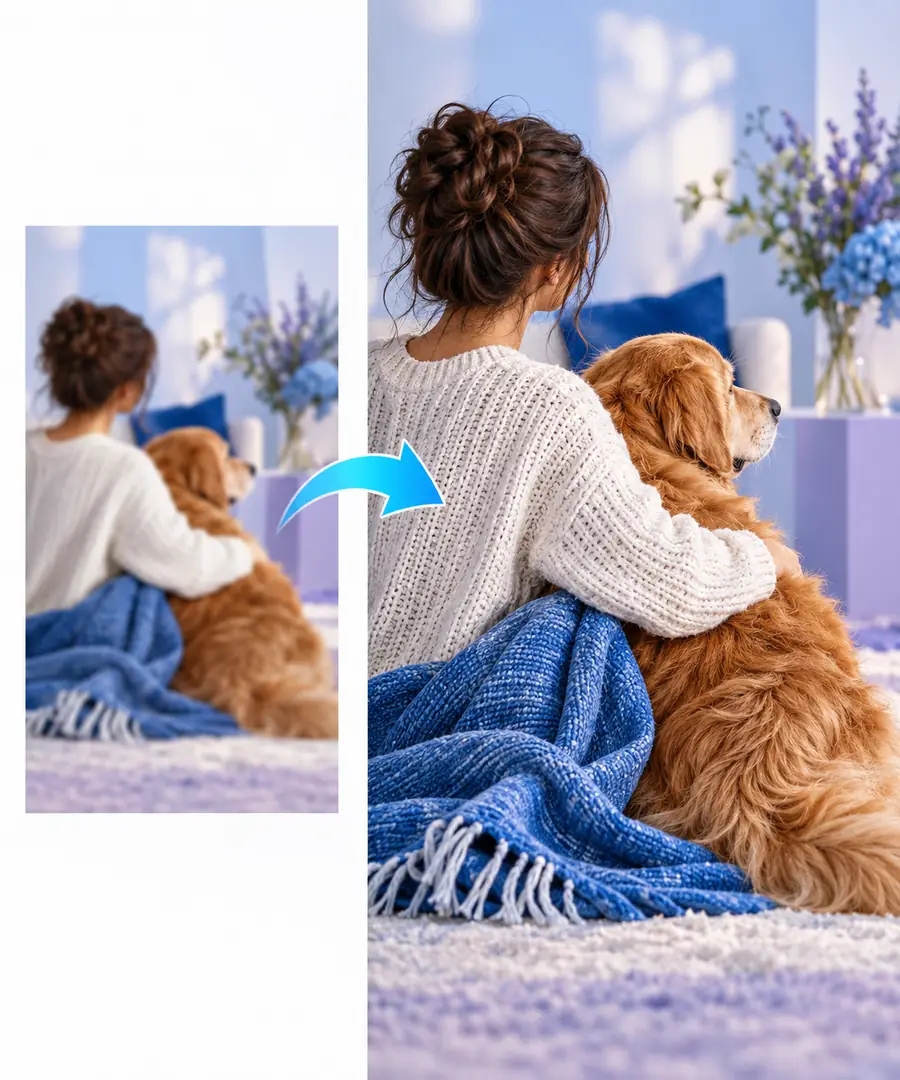 Sharper appearance
How upscaling methods evolved
The goal—more usable pixels from a smaller image—has stayed similar, while the ways of estimating those pixels have changed.
-
Interpolation becomes routine
Digital image software increasingly uses methods such as bilinear and bicubic interpolation to calculate pixels between known samples. These methods enlarge images without understanding their subjects.
-
Example-based super-resolution
Research explores learning relationships between low-resolution and high-resolution image patches, offering another way to estimate missing detail.
-
Convolutional neural networks
The SRCNN paper demonstrates a deep-learning approach to single-image super-resolution, mapping a lower-resolution input toward a higher-resolution output.
-
Perceptual sharpness gains attention
SRGAN research emphasizes convincing-looking texture. That makes visual inspection important: texture that appears realistic may still be inferred rather than recovered.
Who uses it
Designers, photographers and people preparing images for larger displays may all use an image upscaler. The useful result is the one that holds up in its intended context.
You must have
Without every one of these the route does not run.
-
Start with the highest-quality source image available.
A clearer original gives any upscaling method better evidence.
-
Know the intended display or print dimensions.
A larger file is useful only if it meets a real output need.
-
Inspect faces, lettering and fine edges after upscaling.
These areas can reveal invented texture, distorted shapes or halos.
Nice to have
Skip any of these and the route still works — they only make it faster.
-
Keep the original for comparison.
Comparing both versions helps distinguish an improvement from a merely larger image.
Put the definition to work
Explore what a larger image can do
Start with a source you know well, decide where the result will be displayed, and compare it against the original. Treat added sharpness as a visual result to inspect—not evidence that missing details have been recovered.
Explore image tools- Check the dimensions you actually need.
- Review important details at the intended viewing size.
Frequently asked questions
An image upscaler increases an image’s pixel dimensions by estimating values for new pixel positions. Some methods blend nearby pixels; AI-based methods may infer plausible edges and textures. Neither approach can guarantee that newly visible detail matches what was originally in the scene.
Upscaling is a type of resizing: it specifically makes an image larger. The distinction people often mean is between straightforward interpolation and methods that try to produce a more detailed-looking result. Either way, inspect the output rather than judging it by dimensions alone.
It may improve how some edges or textures appear, especially when the source still contains recognizable structure. Severe motion blur, missed focus and unreadable text leave too little reliable information for accurate recovery. A plausible-looking reconstruction should not be mistaken for the original detail.
It increases the number of pixels, which can help an image fit a larger display or layout. Perceived quality may improve, stay similar or worsen if artifacts become more noticeable. Compare the result at the size where it will actually be used.